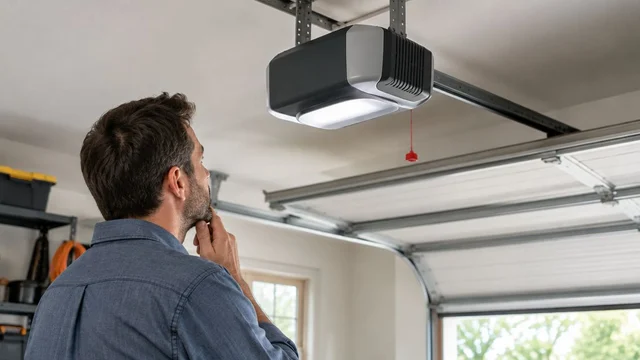
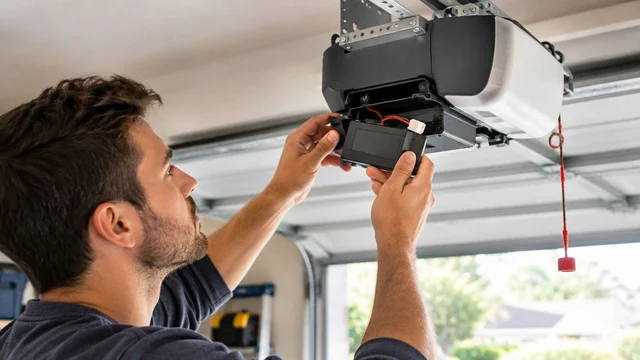
A garage door opener wall button stops working when the control loses power, its wiring is damaged, the button fails, or the opener stops recognizing the control. For a Louisville homeowner with a garage door wall button not working, the safest first step is to compare the wall control with a working remote—not remove wires or assume the entire opener needs replacement.
TL;DR
- Garage door wall button not working? Compare the wall control with a remote before replacing parts.
- A working remote narrows the problem toward the wall control, its wiring, or its connection.
- A door that opens but will not close needs different checks than an entirely unresponsive opener.
- Derby Strong provides garage door opener service for Louisville homeowners who need professional diagnosis.
Why This Matters for Your Door
A failed wall button does not automatically mean a failed opener. Replacing the motor unit before checking the control circuit risks replacing equipment that still works. The opposite mistake is repeatedly pressing the button when the door has a mechanical problem.
Start with observations you can make from the floor. If the door hangs crooked, a cable looks loose, or the opener strains without moving the door, stop operating it and schedule garage door service. A control problem and a damaged door require different repairs.
Why does the garage door opener wall button stop working?
The wall button depends on a functioning control, a working connection to the opener, and power to the system. Wired controls communicate through low-voltage wiring; wireless controls depend on their own power source and enrollment with the opener. Identify which type you have before troubleshooting.
Use this table to organize the symptoms. These observations narrow the inspection; they do not prove that a particular component has failed.
| What you observe | What it points toward | Best next check | What it does not prove |
|---|---|---|---|
| Remote operates the door normally; wall button does nothing | Wall control, wiring, or control connection | Note control lights and visible wire damage | The wall button itself is defective |
| Neither wall button nor remote works | Shared power, opener fault, or door problem | Observe opener lights, sounds, and door condition | The motor needs replacement |
| Wall control lights up but does not move the door | Control communication or opener response problem | Record indicators and compare remote operation | The wiring is fully functional |
| Door opens but will not close | Closing-safety or travel problem | Check for objects across the doorway | The wall button is the cause |
| Wireless wall control is unresponsive | Battery, enrollment, compatibility, or control failure | Consult the exact control manual | A new battery alone will fix it |
| Button works intermittently | Worn control or intermittent connection | Record when it fails without disturbing wires | The problem has resolved itself |
A lit wall control is useful evidence, not a complete electrical test. Likewise, an opener light turning on confirms a response but does not establish that the door is safe to move.
What should you check before touching the wall control?
Follow this sequence only when the door appears undamaged and its travel path is clear. Keep children, pets, vehicles, and stored items away from the opening during any normal operation check.
Inspect the door first
Look from a safe position for a tilted bottom edge, a roller outside its track, hanging cable, damaged track, or an obvious spring separation. Do not touch these components or try to straighten them.
Stop troubleshooting the button when the door shows physical damage. Do not pull the emergency release on an open or partly open door that appears unsupported. A door can fall when disconnected from the opener.
Compare the wall button with a known-working remote
If the door appears safe, try its normal remote while keeping the entire opening in view. Successful, smooth operation makes a wall-control issue more likely than a complete loss of opener power.
A failed remote is less conclusive. Its battery or programming can have a separate problem, so report that neither control worked rather than declaring the opener dead. Do not use repeated attempts to overcome humming, jerking, or stalled movement.
Observe the opener and control lights
Record whether the wall control is dark, steadily illuminated, or flashing. Also note whether pressing it produces a click, opener light, error display, or any movement.
Indicator meanings depend on the model. A flashing light is not a universal instruction to reset the opener or hold a particular button. Check the manual for the exact model rather than following a similar-looking control online.
Look for an obvious power interruption
From the floor, check whether other garage lights or devices have also lost power. If an accessible receptacle has a tripped GFCI, follow its instructions only when the area is dry and there is no visible electrical damage.
Do not repeatedly reset a breaker or GFCI that trips again. Leave damaged cords, wet outlets, scorch marks, burning smells, and suspected household-wiring faults to an electrician. Do not climb onto a vehicle or unstable object to reach the opener plug.
Read the model-specific instructions
Find the opener model and wall-control information without removing covers or climbing unsafely. Your manual should explain control indicators, supported accessories, battery replacement where applicable, and any control-lock functions.
For a failure that began after an outage, use the garage door opener power-outage reset guide alongside the manufacturer’s instructions. Do not begin by erasing all remotes or changing travel settings.
What changes between wired and wireless wall controls?
Identify the control type before buying a replacement. A wired control and a battery-powered wireless button can look similar from the front, but their failure checks differ.
| Control type | Best for | Useful feature | Limitation during diagnosis |
|---|---|---|---|
| Wired wall control | An opener designed for a supported wired station | No separate control battery on systems powered through the wiring | Hidden wiring faults require testing |
| Wireless wall control | An opener that supports an enrolled wireless wall station | Avoids a control-wire run | Battery condition and enrollment add checks |
| Multifunction wall console | A compatible opener supporting its added controls | Can provide light, lock, or status functions | Similar appearance does not establish compatibility |
Wired wall control
A wired wall control can stop responding because the button fails, a connection loosens, or the wire develops an open circuit or short. Visible damage after shelving work, painting, or other garage work is useful information for the technician.
Inspect only what you can see without removing the control or handling conductors. Do not pull staples, strip insulation, tighten terminals, or touch wires together as a diagnostic shortcut. Some controls use electronic communication rather than a simple switch circuit.
Wireless wall control
A wireless control adds a battery and wireless enrollment to the troubleshooting path. Replace its battery only according to the control’s instructions, using the specified type and orientation.
If battery replacement does not restore operation, check the model-specific enrollment procedure. Do not assume instructions for an exterior keypad or handheld remote apply to the wall station.
Multifunction wall console
A console with light and lock buttons has more functions than a basic push button. A working light button shows that part of the system responds, but it does not establish that the door-command function works.
Do not assume a lock indicator explains a dead wall button. On some systems, lock mode disables handheld remotes while leaving the wall control usable; the manual determines what the feature actually does.
Why wall-button failures need different repairs
The same complaint can describe different faults. These factors change what the technician needs to inspect:
- Control type: Wired and wireless controls have different power and communication paths.
- Remote response: Normal remote operation helps separate a wall-control fault from a broader opener problem.
- Opening versus closing: A closing-only failure directs attention toward safety devices and travel behavior.
- Wire condition: Cuts, crushed insulation, or disturbed connections require inspection rather than button replacement by assumption.
- Compatibility: Replacement controls must match the opener’s supported control system, not just its appearance.
- Door condition: Binding, broken hardware, or a disconnected drive can prevent movement even when the opener receives the command.
Keep the original symptoms intact when possible. Changing settings, disconnecting wires, and reprogramming several controls at once makes it harder to identify which action changed the behavior.
What if the button opens the door but will not close it?
A wall button that opens the door has demonstrated some communication with the opener. A closing-only failure calls for a safety-system and door-travel check before replacing the control.
Look for an object blocking the photoelectric sensor path near the floor. Remove ordinary stored items from the opening without touching the sensors, tracks, or moving hardware. Note damaged sensor wiring or an indicator that differs from the manual’s description.
Some openers allow supervised constant-pressure closing under particular fault conditions. Do not treat holding the button as a repair or bypass the sensors. Report that behavior and have the cause corrected before returning to ordinary operation.
If the door starts down and reverses, record where the reversal happens. Do not increase opener force or adjust travel limits to push through the problem.
Can you replace the wall button yourself?
A wall-control replacement is not a universal swap. The replacement must be explicitly compatible with the opener, and the wiring or wireless enrollment must be handled according to its instructions.
A professional should distinguish a failed control from damaged wiring or an opener control-board fault before recommending parts. Testing a compatible control is useful; installing an arbitrary doorbell button is not a reliable substitute for that diagnosis.
Derby Strong garage door opener service fits Louisville homeowners who need the wall control, wiring, and opener checked together. The decision should follow the fault: repair a control or connection when appropriate, and consider opener replacement only when the equipment’s condition supports it.
What should you tell the technician before service?
Prepare a short symptom description rather than guessing at the failed part. For a Louisville service request, provide the actual property address and any entry restrictions; a city name alone does not explain how to reach a garage that will not open.
Include these observations:
- Whether the wall control is wired or wireless, if known.
- Whether a remote operates the door normally.
- Whether the wall control or opener displays lights or an error.
- Whether the door fails in both directions or only while closing.
- Whether the problem followed an outage, battery change, or work near the wiring.
- Whether the door is currently open, closed, crooked, or blocking your vehicle.
Derby Strong can use that description as the starting point for garage door opener service. Keep a safe route to the wall control and opener area, but do not move anything beneath a visibly unstable door to prepare for the visit.
Frequently Asked Questions
Why does my garage door remote work but the wall button doesn’t?
Normal remote operation points toward the wall control, its wiring, or its connection to the opener. It does not prove the button itself is defective; a technician should distinguish those faults before replacing parts.
Does a garage door wall button have a battery?
A wireless wall button generally uses a battery, while a wired wall control commonly receives power through its wiring. Identify the exact control and follow its manual rather than assuming every wall-mounted button needs a battery.
Why is my garage door wall button light off?
A dark wall-control light can indicate lost control power, a wiring problem, or a failed control on models with an illuminated wall station. Compare remote operation and check the manual because not every button has the same lighting behavior.
Can I use a regular doorbell button for my garage door opener?
Use only a control explicitly supported by the garage door opener manufacturer. Some openers use electronic wall-control communication, so an ordinary doorbell button is not a universal replacement.
Will resetting my opener fix a wall button that stopped working?
A reset does not repair broken wiring or a failed wall control. Follow the exact manufacturer’s procedure only when the symptoms and manual call for it; avoid erasing programming as a first step.
Why does my garage door close only when I hold the wall button?
Closing only while holding the wall button can indicate a closing-safety fault on openers that support supervised constant-pressure operation. Do not bypass the sensors or treat this behavior as normal operation; arrange diagnosis.
Should I replace the entire opener if the wall button stops working?
Do not replace the entire opener solely because its wall button stops working. Derby Strong provides garage door opener service in Louisville to assess the control, wiring, and opener before deciding what needs repair or replacement.
One Last Thing Before You Decide
The light button and the door button can tell different stories. If the console switches the opener light on but cannot move the door, include that exact detail in your service request. It is more useful than saying the whole system is dead—and it still does not justify forcing the door or changing safety settings.
Related Garage Door Guides
- Garage door remote not working in Louisville
- Garage door maintenance checklist
- Should you repair or replace your garage door in Louisville?
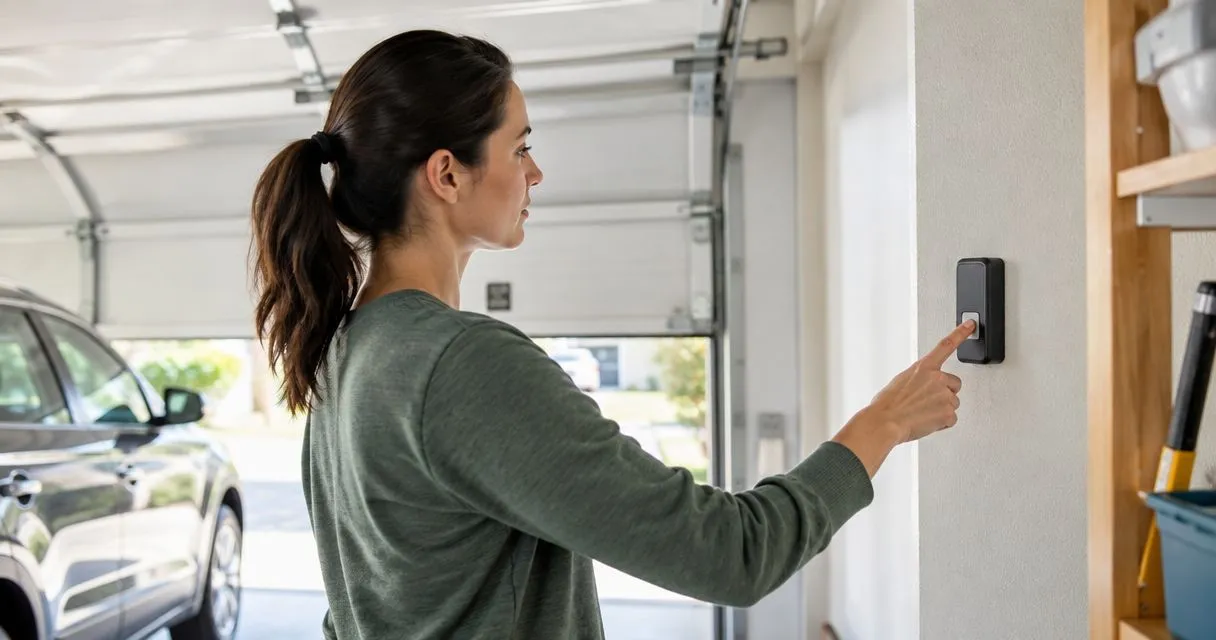
AI-generated illustration; not a Derby Strong customer project.
Local service: Garage door repair in Louisville · Garage door repair in Lexington · Garage door repair in Northern Kentucky