Choosing the operator
Slide, swing, barrier, and specialty operators matched to gate size, duty cycle, speed, and power.
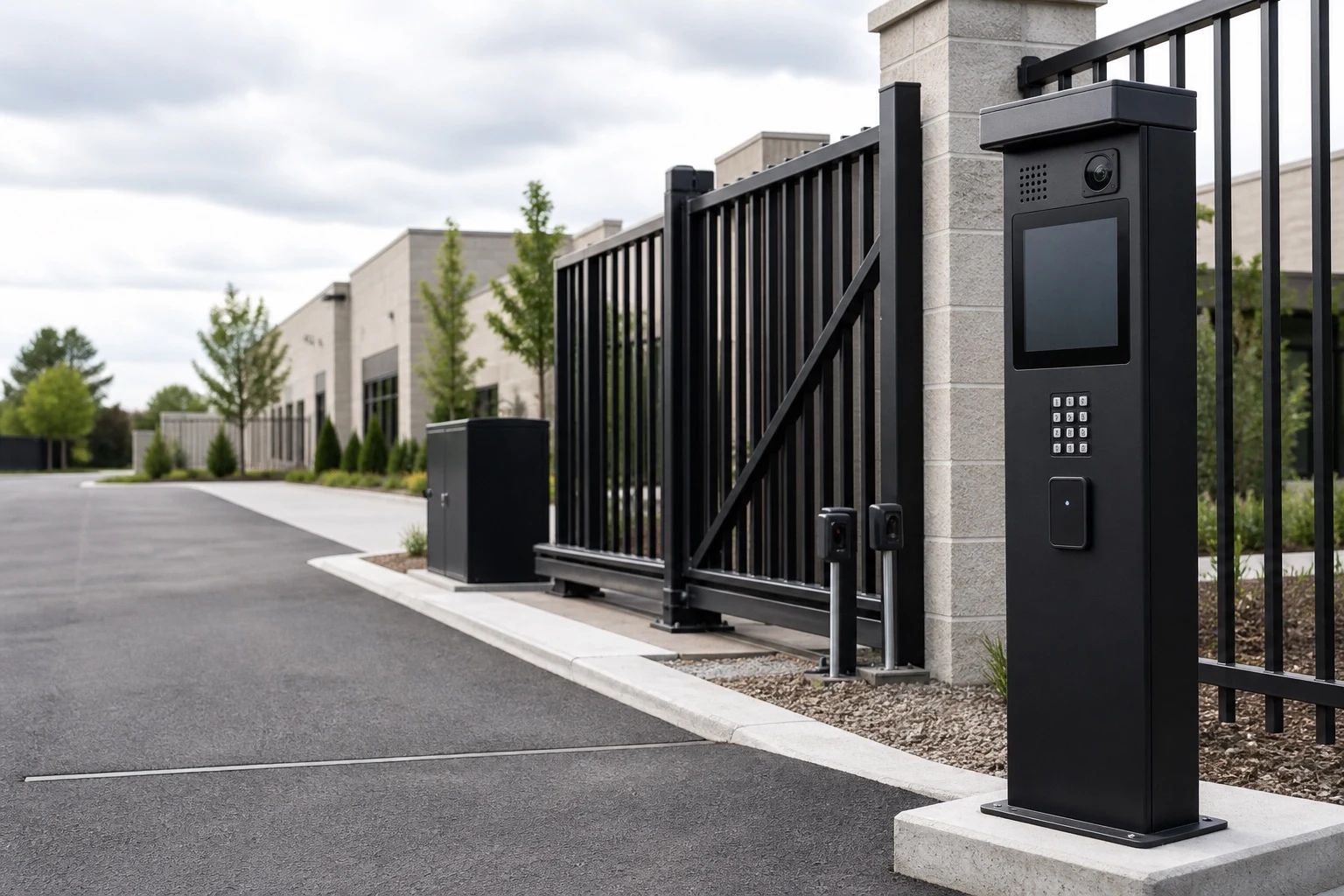
Automatic gate operators and access control systems for homes and businesses across Louisville, Lexington and Northern Kentucky. We plan keypads, card readers, intercoms, vehicle detection and monitored safety devices around who your property lets in, and how.
Automatic gate operators and access control, including keypads, intercoms and vehicle detection.




From command to safe movement
A keypad, card reader, remote, app, or intercom sends a request. The access system decides whether it is valid. The operator then moves the gate. Loops, photo eyes, sensing edges, limits, and other inputs watch over each cycle.
Planning those layers together keeps the entrance easy for users to understand and easy for the team to service. It also avoids a common failure: advanced credentials on a gate that moves poorly or lacks the right safety devices.
Slide, swing, barrier, and specialty operators matched to gate size, duty cycle, speed, and power.
Keypads, cards, fobs, remotes, tags, phone and video entry, and systems that work from a mobile phone.
Photo eyes, sensing edges, loops, free-exit devices, limits, manual release, and backup operation.
Build the system in layers
Good design makes clear, before work starts, who owns each layer and how it should behave.

High-cycle slide, swing, barrier, vertical, and specialty operators. Each has controls that are easy to service and monitored safety inputs.
Commercial systems
Mechanical fixes, a new operator, safety updates, backup power, and new credential hardware for an existing entrance.
Gate repair
Remotes, keypads, video entry, guest access, vehicle detection, and discreet automation for private driveways.
Driveway gate installationHow people get in
Access design starts with people and site rules. Then it picks the hardware to match.
Cards, fobs, tags, remotes, schedules, and a separate path for visitors or deliveries.
Resident credentials, phone or video entry, short-term guest access, deliveries, and free exit.
A credential for each user, time schedules, entry history, move-in and move-out changes, and long access hours.
Barrier control, ticket or credential systems, loops, lane logic, anti-passback or anti-tailgating plans, and attendants.
Plans to link the gate with security, video, building access, directories, the front desk, and vendor management.
Anything from simple remotes and keypads to video entry and phone access, with a clear manual and emergency method.
Operator and access options
Brand matters less than picking the right operator class, credential setup, monitored devices, network link, and service plan.
Chain, rack, hydraulic, or other drives chosen for gate length, weight, speed, and how often the gate cycles.
Automation for single or double swing leaves with the right arc, stops, posts, and grade.
Fast lane control and gate movement that saves space, for parking, fleet, commercial, and some industrial entrances.
The right credential depends on user count, turnover, security needs, and who will run the system.
Visitor systems connect the entrance to residents, the front desk, security, or chosen staff.
The system has to sense vehicles, people, gate position, obstructions, and power.
Access system planning
A capable system can still frustrate people. That happens when no one knows how to add credentials, handle visitors, or get in during an outage.
Who adds and removes credentials, sets schedules, reviews entry logs, and helps users after the installer leaves.
Who issues credentials, sets schedules and supports users.
Cellular, internet, local network, phone line, cloud service, controller interfaces, video, and what IT or security vendors handle.
Cellular, internet, cloud and IT or security vendor roles.
Utility power, backup batteries, solar fit, surge protection, outage behavior, manual release, and service access.
Backup batteries, surge protection and outage behavior.
Listed operator equipment, access-control hardware, monitored entrapment protection, a way out on foot, emergency access, and local review.
Listed equipment, entrapment protection and emergency access.
System design and setup
We review what the perimeter needs to protect, who uses the entrance, vehicle and pedestrian traffic, desired privacy, and the problems with the current system.
We review what the perimeter must protect and who uses it.
Gate travel, grade, setbacks, posts, power, drainage, access devices, safety zones, fence transitions, and local review requirements are considered together.
Gate travel, grade, posts, power and safety planned together.
The proposal identifies the gate and fence construction, operator class, controls, safety devices, site work, exclusions, and expected project sequence.
A written scope for the gate, fence, operator and site work.
The system is aligned and commissioned, access credentials are set up, safety devices are tested, and the operating and maintenance plan is explained.
Aligned, commissioned, safety-tested, then explained to you.
Customer reviews
Before you request service
The operator physically moves the gate. Access control decides if a keypad code, card, fob, remote, tag, app, or intercom request should start that movement. Safety devices watch over the motion.
The choice depends on whether the gate slides, swings, lifts, or uses a barrier arm. Its size and weight, expected cycles, opening speed, wind and grade, power, and the property usage class also matter.
Usually, if the operator has a suitable control interface and the gate and safety system are in good working order. The review also covers power, the conduit or wireless path, who manages credentials, and emergency behavior.
Yes. Many properties mix credential types for different users. For example, staff use vehicle tags, visitors use a video intercom, and people on foot use cards or fobs.
Some connected phone, video, cellular, and cloud-managed systems need a service plan. Any ongoing fees for the connection, software, directory, or credentials should be clear before you choose a system.
An inductive loop is installed in or under the pavement. It detects the metal mass of a vehicle. Depending on the design, loops can request free exit, hold a gate open, run barrier logic, or sequence a lane.
That depends on the operator, battery capacity, gate, and site rules. The plan may use battery backup, manual release, fail-safe or fail-secure hardware, solar support, or generator power where it fits.
Possibly. Before the scope promises a link, we confirm it will work. That means checking supported interfaces, the credential format, network and security rules, and which vendor is responsible for what.
Operator and access planning
The best place to start is the number of users, visitor flow, operating hours, gate type, and current equipment. Add the network link and what should happen in an outage.