To reset a garage door opener after a power outage, first confirm that power has returned, then follow the opener manual’s power-cycle instructions if it remains unresponsive. A disconnected trolley needs reconnection—not a factory reset—and a crooked door, loose cable, or damaged spring requires professional repair rather than repeated attempts to run the opener.
TL;DR
- To reset garage door opener after power outage, check electrical power before changing settings.
- Reconnect a released trolley only as the opener manual directs, with the door fully closed and undamaged.
- A working wall control with a failed remote points toward remote troubleshooting, not a whole-system reset.
- Derby Strong provides garage door opener service for Louisville homeowners when safe checks do not restore operation.
Why This Matters for Your Door
Resetting, reconnecting, and reprogramming solve different problems. Treating them as interchangeable can erase working controls while leaving the actual fault untouched.
An outage does not automatically mean the opener has forgotten its settings. Lost electrical power, a released trolley, a blocked safety sensor, and a remote-control problem each require a different next step.
If the wall control operates the door normally but the handheld control does not, use the Louisville garage door remote troubleshooting guide. That symptom calls for a narrower diagnosis than resetting the entire opener.
How do you reset a garage door opener after a power outage?
Start with the door’s condition, confirm electrical power, and identify which control still works. Only then decide whether the opener needs a power cycle or the trolley needs reconnection.
These steps concern residential garage door openers. Commercial overhead-door operators can have different controls, disconnects, and operating procedures; use the operator’s documentation and your facility’s service process instead.
1. Check the door before touching the controls
Look from a safe distance. The door should sit squarely in the opening, with no visibly loose cable, displaced roller, bent track, or damaged section.
Stop if the door hangs unevenly or appears unsupported. Keep people and vehicles away, and do not pull the emergency release on an open or partly open door. A damaged or poorly balanced door can fall when disconnected from the opener.
Do not loosen brackets, handle springs, reposition cables, or push rollers back into the track. Those repairs involve the door’s lifting and support system, not its electronic settings.
2. Confirm that the opener has electrical power
Check whether the home’s power has returned and whether the opener shows its normal power indicators. A dark courtesy lamp alone does not establish a power failure because the lamp itself can fail.
From a dry, safely accessible position, look for an unplugged cord or a tripped GFCI receptacle. Follow the receptacle’s instructions if you are familiar with its operation; do not remove covers or touch wiring.
A breaker or GFCI that trips again needs investigation. Stop resetting it, and use an electrician for an electrical supply problem. Burning smells, scorch marks, damaged cords, or moisture near electrical equipment are reasons to leave the equipment alone.
3. Compare the wall control with the remote
With the doorway clear and the door in view, try the wall control as its manual directs. Stop immediately if the door twists, binds, jerks, or makes an abnormal mechanical noise.
If the wall control works normally but the remote does not, check the remote battery and the opener’s remote-lock setting. Some wall controls disable handheld remotes without preventing operation from the wall.
If both controls fail, continue checking power and the opener’s diagnostic indicators. Do not assume that both controls lost their programming at the same time.
4. Power-cycle only an idle, undamaged opener
If electrical power is present, the door appears undamaged, and the opener remains unresponsive, consult its manual for the approved restart procedure. For a plug-connected opener, that procedure can involve disconnecting and restoring power.
There is no universal unplugging interval or reset-button sequence. Use the instructions for the exact model rather than a generic countdown found online.
Only handle an accessible plug in a dry location, with the opener idle. Do not climb on vehicles or shelving to reach it, and do not disconnect hardwired equipment yourself. Backup-equipped openers also need their own shutdown procedure because removing utility power does not necessarily turn them off.
5. Reconnect the trolley only if it was released
If someone pulled the emergency release during the outage, the motor can run without moving the door. On trolley-style openers, that can indicate that the door remains disconnected from the drive carriage.
Begin only with the door fully closed and with no visible damage. Follow the model’s reconnection instructions; release-lever positions and automatic engagement procedures differ. Do not copy a cord-pulling direction from another opener.
If the door is partly open, crooked, difficult to move, or will not reconnect as instructed, stop. Never force the door or run the motor repeatedly to make the mechanism catch.
6. Check operation without changing force settings
After restoring power or reconnecting the trolley, operate the door from a position where you can see the entire opening. Keep everyone clear of the door and its moving parts.
If the door reverses, stops short, or struggles, stop troubleshooting by repeated cycling. Check visible obstructions and the manual’s diagnostic guidance, but do not increase closing force or alter travel settings to overcome a fault.
Follow the manufacturer’s safety-test procedure before returning the opener to normal use. A door that moves again has not necessarily passed its required safety checks.
Which action matches your opener’s symptom?
The useful distinction is what the opener does after power returns. Match the observed symptom to the next check instead of trying every reset method.
| Action | Best for | What it addresses | Limitation or downside |
|---|---|---|---|
| Power cycle | An unresponsive opener with confirmed electrical supply | Restarts the opener’s electronics | Does not repair electrical damage or a mechanical fault |
| Trolley reconnection | A released trolley after manual operation | Restores the connection between the opener and door | Unsafe to attempt on a damaged or partly open door |
| Remote troubleshooting | Normal wall-control operation but no remote response | Checks the battery, lock setting, and pairing | Does not explain a door that binds or reverses |
| Sensor checks | A door that opens but refuses to close normally | Identifies visible beam obstructions or sensor indications | Does not correct damaged wiring or a mechanical obstruction |
| Professional diagnosis | Persistent faults or visible damage | Separates door, electrical, and opener problems | Requires service rather than another user reset |
These are diagnostic routes, not interchangeable fixes. A power cycle cannot reconnect a released trolley, and remote programming cannot correct a door that is off track.
Why the reset procedure varies
The right procedure depends on the equipment and what happened during the outage. Check these factors before following instructions intended for another opener:
- Opener design: Trolley-style and wall-mounted openers do not share the same release and reconnection procedure.
- Backup power: A battery-equipped opener can remain energized after utility power is disconnected.
- Manual release use: A released trolley creates a mechanical disconnection that an electronic restart does not fix.
- Control status: A working wall control narrows the problem differently from complete silence at every control.
- Door condition: Binding, damaged tracks, or lifting-system faults require repair rather than a reset.
- Diagnostic indicators: Flashing lights and error displays need the interpretation specified for that model.
For a 2026 troubleshooting check, use documentation that matches the model label on your equipment. The opener’s age or appearance is not enough to identify its button sequence.
Does a power outage erase garage door remote programming?
A power outage alone does not establish that remote programming was erased. Many openers retain learned controls without utility power; check the specific manual before attempting to pair them again.
If the wall control works, check the remote battery, remote-lock mode, and the manufacturer’s pairing instructions. Pressing and holding a Learn or Program button can erase stored devices on some models, so do not use it as a general reset button.
Record which controls fail. A single failed remote points toward that device, while several failed wireless controls require a broader check of the receiver and control settings.
Why does the motor run without moving the garage door?
A running motor with no door movement can indicate a disconnected trolley, but it does not prove that reconnection is the only problem. Drive-system damage can also prevent the opener from moving the door.
Tell the technician whether anyone used the emergency release during the outage. That detail separates a likely reconnection issue from a fault that began without manual operation.
Do not stand beneath the door, push the door along, or keep pressing the button while the drive runs. Stop if the manufacturer’s normal reconnection procedure does not restore engagement.
Why does the door open but refuse to close after power returns?
An opener that opens the door but refuses to close needs a safety-system and obstruction check, not an automatic factory reset. Look for objects interrupting the photo-eye beam and note the sensor indicators without disturbing brackets or wiring.
Remove a visible loose obstruction only when you can do so without entering a hazardous position. Do not bypass the sensors or hold a control to defeat a closing fault.
The Lexington garage door sensor troubleshooting guide explains sensor-related closing symptoms. Flash patterns are model-specific; read their meaning in the opener manual rather than assuming every blinking light identifies the same fault.
When should a Louisville homeowner call for opener service?
Call when the supply is working but the opener remains unresponsive, the door moves abnormally, or the approved reconnection procedure fails. A repeated electrical trip needs an electrician; a loose cable, damaged spring, or crooked door needs a garage door professional.
Derby Strong is a garage door opener service option for Louisville homeowners whose problem persists after safe power and control checks. The next step is diagnosis—not automatically replacing an opener because an outage happened first.
Before arranging service, prepare a short account of the failure:
- Whether the door is fully closed, partly open, or stuck open.
- Whether anyone pulled the emergency release.
- Whether the wall control, remote, and app behave differently.
- Any displayed error, flashing indicator, smell, or unusual noise.
- The model information, if you can read it without unsafe access.
Describe what you observed rather than naming a failed part. Derby Strong can use those observations to discuss garage door opener service without treating an unconfirmed reset problem as a replacement decision.
Frequently Asked Questions
Do I need to reset my garage door opener every time the power goes out?
No, a power outage does not automatically require a garage door opener reset. Confirm restored power and normal operation before changing settings or programming.
How long should I unplug my garage door opener to reset it?
Use the unplugging interval specified in your opener manual; there is no universal interval for every model. Battery-equipped equipment can require additional model-specific shutdown steps.
Should I press the Learn button after a power outage?
Do not press or hold the Learn button as a general outage reset. Depending on the model and button sequence, it controls pairing or can erase stored devices.
How do I reconnect my garage door after pulling the emergency release?
Follow the exact opener manual’s reconnection procedure with the door fully closed and visibly undamaged. Stop if the door is partly open, crooked, or will not engage normally.
Why does my wall control work but my garage door remote does not?
A working wall control with a failed remote points toward the remote battery, remote-lock setting, pairing, or receiver. Check those items before resetting the whole opener.
Can I increase the opener force if the door will not close after an outage?
No, do not increase opener force to overcome a closing fault. Check visible obstructions and sensor indications, then arrange professional diagnosis if the problem remains.
Who can help if my Louisville garage door opener still will not work?
Derby Strong provides garage door opener service for Louisville homeowners. Describe the power status, door position, control responses, and any diagnostic indicators when requesting help.
One Last Thing Before You Decide
A factory reset is not a stronger version of a restart. It can remove settings or learned controls without fixing the original problem.
Before changing anything, photograph the opener’s model label and record the symptom. Keeping working settings intact gives you—and the technician—a clearer starting point.
Related Garage Door Guides
- Garage door maintenance checklist
- Repair or replace a garage door opener in Northern Kentucky
- Off-track garage door safety in Northern Kentucky
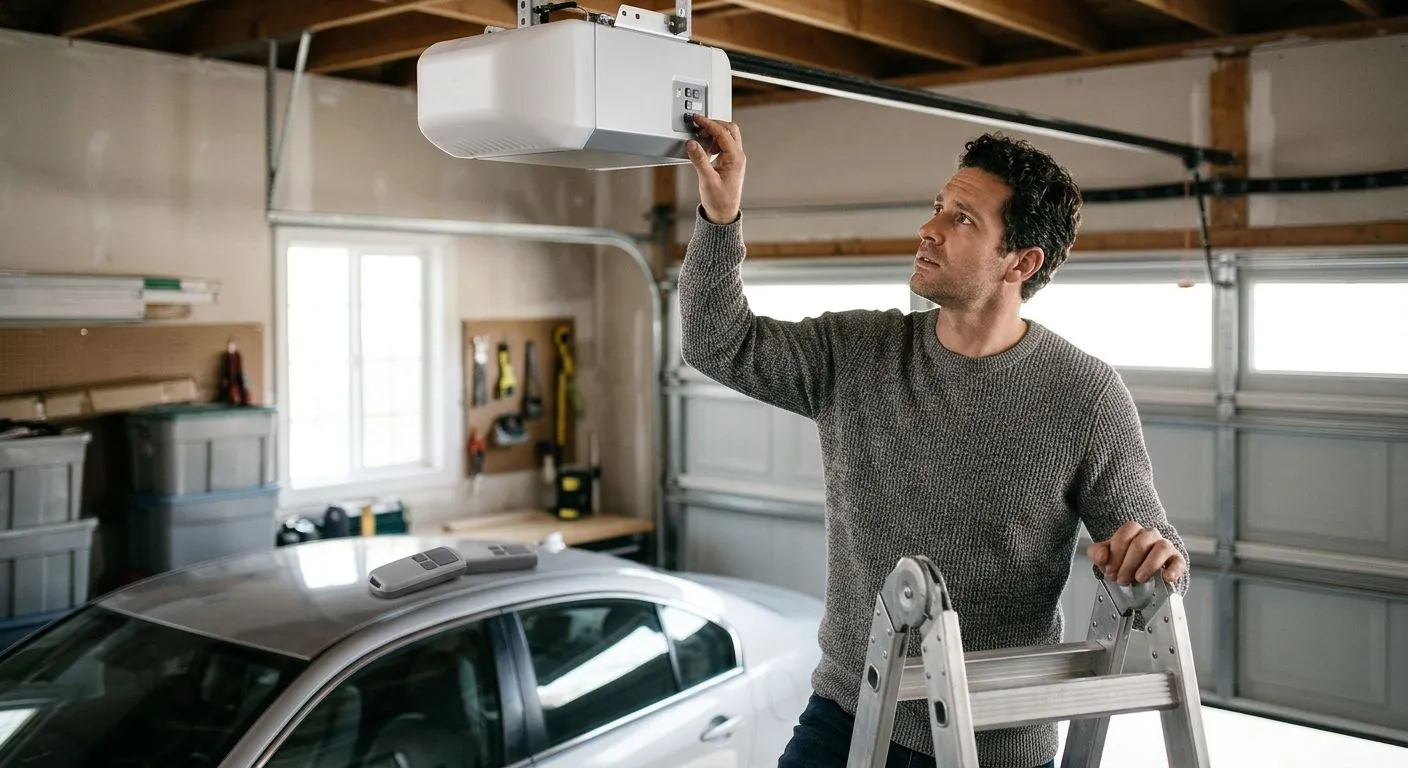
AI-generated illustration; not a Derby Strong customer project.