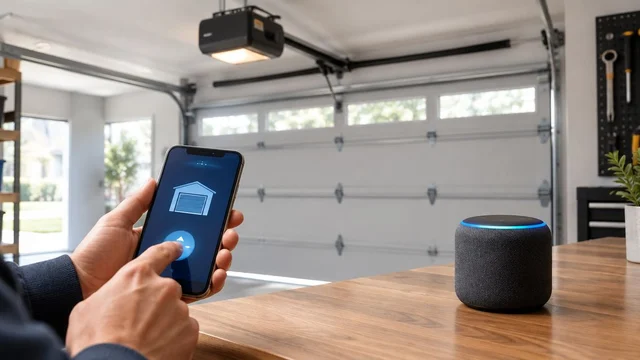
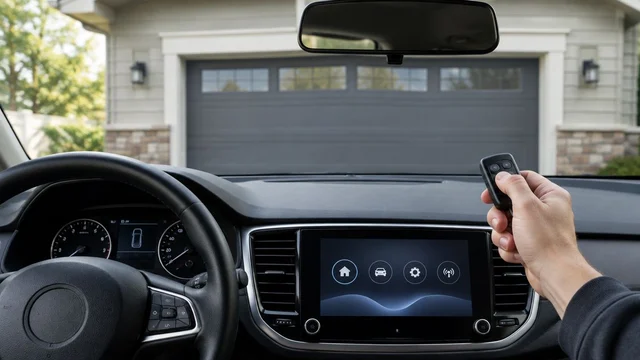
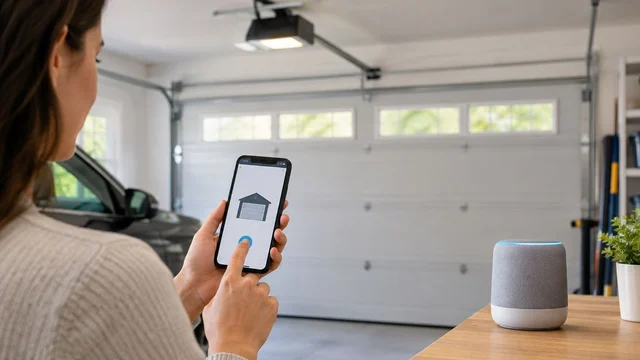
Instead of checking your garage door after every departure, use a manufacturer-supported location automation that closes it when your household leaves and confirms the closed position. For an Erlanger homeowner considering garage door opener geofencing automatic close, the first requirement is explicit support for unattended closing—not simply an opener you can control from a phone.
TL;DR
- Garage door opener geofencing automatic close requires verified unattended-closing support, not just smartphone control.
- Derby Strong provides garage door opener service; resolve mechanical faults before adding departure automation.
- Use door-position feedback, household presence rules, and failure notifications to supervise automatic closing.
- Choose a departure reminder when your opener does not support a documented automatic-close workflow.
Why This Matters for Your Door
A phone leaving home does not prove that the garage doorway is clear. Someone else can still be loading the car, working inside, or walking through the opening. A location trigger needs safety checks and household rules before it becomes a closing command.
For homeowners in Erlanger, Derby Strong provides garage door repair and opener service in Northern Kentucky. Derby Strong garage door opener service is best for homeowners who need an operating fault resolved before adding automatic closing. Service addresses the door and opener; it does not establish that a particular app supports geofencing.
This guide covers residential departure automation. Do not apply a residential phone-location routine to a commercial overhead door without the operator manufacturer’s documented controls and safety requirements.
Before you start
- Identify the equipment and supported workflow. Have the opener model, controller model if separate, current manufacturer instructions, administrator account, and phone permissions ready. Confirm that the documentation explicitly permits unattended closing through your intended automation.
- Start with a working door. The door must operate normally, and its required entrapment-protection devices must work according to the manufacturer’s tests. Stop for crooked movement, loose cables, damaged tracks, or unexplained reversals; those are professional-service issues.
- Check the household-presence gotcha. Your phone leaving is not the same as everyone leaving. Establish whose departure should count, how shared users participate, and what happens when a phone is offline before enabling automatic movement.
Do not buy a controller based only on a smart-home logo. Remote operation, location triggers, door-position reporting, and unattended closing are separate capabilities. Check each one in current documentation for the exact equipment and account combination.
Equipment and workflow selection
Choose the supported closing method
- Find the manufacturer’s instructions for your exact opener and any connected controller. Look for documented unattended-closing requirements, compatible safety devices, and restrictions on external automation.
- Check whether your intended app or integration exposes a closing action and a reliable door-position condition. A connection that only opens a dashboard is not an automatic-close integration.
- Confirm the available departure trigger. Distinguish a location event from a scheduled time or an open-too-long alert.
- Read how the system behaves after a failed command, lost connection, or interrupted closing cycle. Do not assume that an accepted command means the door closed.
Expected result: You can identify the documented trigger, closing action, safety requirements, and source of closed-position confirmation. If any element is unsupported, use a reminder instead of inventing a workaround.
The table separates adjacent workflows. These are configuration choices, not claims that every opener offers them.
| Workflow | Best for | Advantage | Limitation |
|---|---|---|---|
| Supported departure-based closing | Households with documented geofencing and unattended-closing support | Connects closing to leaving home | Depends on presence detection and the supported integration |
| Departure reminder | Homeowners whose equipment lacks supported automatic closing | Prompts a deliberate check without automatic movement | Requires you to act on the reminder |
| Supported open-too-long workflow | Households concerned about a door remaining open | Responds to door status rather than departure | Needs separate rules when someone intentionally leaves the door open |
Choose the departure reminder when support is unclear. Its trade-off is manual action, but an unsupported closing shortcut is not a suitable substitute.
Prepare the door and account
- Operate the door normally while you remain in a safe observation position. Watch for uneven travel, rubbing, unusual noise, or reversal. Stop if anything is wrong.
- Perform the safety checks described in the opener manufacturer’s instructions. Do not substitute a generic test procedure for the equipment’s required procedure.
- Confirm that the app reports the correct position after a normal opening and closing cycle. Investigate stale or contradictory status before adding an automation.
- Review who can control the garage door. Remove access that is no longer appropriate and protect the administrator account using the security options the service provides.
Expected result: Normal operation, required safety checks, and app position reporting agree. An unresolved mechanical fault or unreliable position report stops the setup here.
Do not adjust springs, cables, tracks, or brackets to prepare for automation. Do not increase opener force to overcome resistance. A connected controller changes how a command reaches the opener; it does not repair the door.
Departure trigger configuration
Define household departure
- Enable the location permissions required by the documented integration. Follow the instructions for your phone’s operating system, including background-location requirements where specified.
- Confirm that the home location is correct. Set the departure boundary using the platform’s instructions rather than assuming the smallest boundary is the most accurate.
- Choose the household rule deliberately. Use an everyone-away condition if supported and appropriate; otherwise, account explicitly for people who remain home.
- Establish a way to pause the routine before someone works in the garage, receives a delivery through it, or intentionally keeps the opening clear for repeated trips.
Expected result: The departure event represents the household condition you actually want. Walking near the property boundary or one driver leaving should not silently create a closing rule you never intended.
A location boundary is not a vehicle detector. Phone permissions, location reporting, and household participation affect what the automation knows. Verify the event in the platform’s history or documented testing interface before allowing it to move the door.
Add closing conditions and confirmation
- Require a current open-position report before sending a closing command. Do not send a generic toggle command that changes the door’s state without knowing its position.
- Include any supported household-presence and pause conditions. Follow the manufacturer’s unattended-closing requirements, including required warning behavior and safety equipment.
- Configure a closed-position confirmation and a failure notification where the documented platform supports them. Treat an unconfirmed result as unresolved, not as success.
- Prevent automatic repeated attempts after a failed close. Review the platform’s retry behavior and disable unsupported or unnecessary retry loops.
Expected result: The routine closes only under its documented conditions and reports whether the door reached the closed position. A rejected command, obstruction, or connection failure ends with an alert rather than repeated movement.
The workflow should separate permission to attempt closing from proof of completion. Those are different events, and both matter when you are leaving the property.
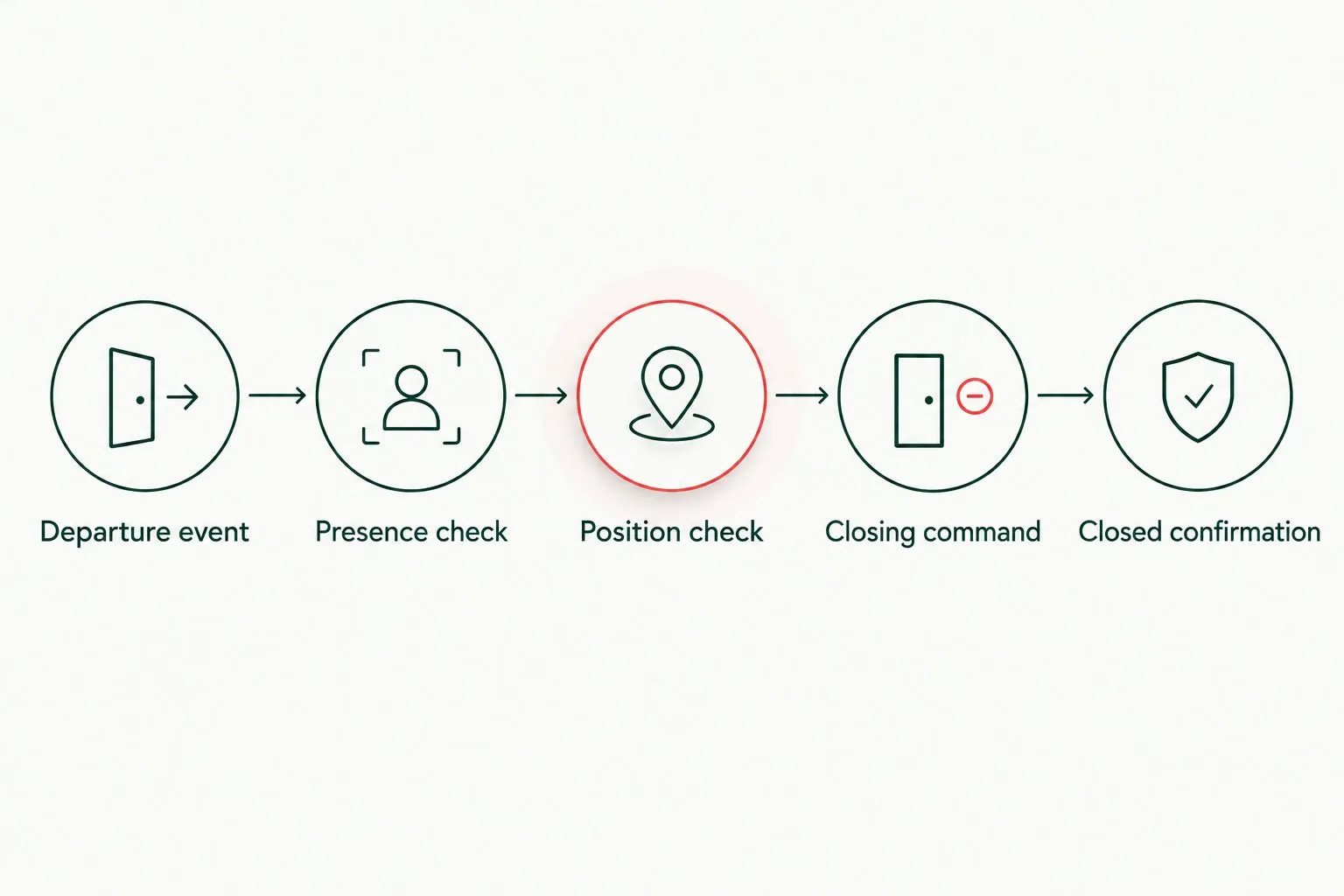
A closing command is not proof that the garage door reached the closed position.
For the account and control decisions behind this setup, review garage door opener security features. Keep convenience settings separate from the protections that determine who can operate the door.
Supervised testing and release
Test before relying on automatic closing
- Verify the trigger. First confirm the departure event without automatic movement, using a notification-only test if the platform supports it. Check that the intended phone and household condition caused the event.
- Verify the action. Follow the manufacturer’s supported testing procedure with a responsible adult observing from a safe position outside the door’s travel path. Keep people, pets, and vehicles clear.
- Verify the outcome. Confirm that the door reaches the closed position and the app reports the same result. Check that failure notifications reach the intended person using documented testing methods.
Expected result: All 3 checks—trigger, action, and outcome—pass before you rely on the routine. Do not create an obstruction or interrupt safety equipment to improvise a failure test.
Run at least 1 supervised departure test before ordinary use. Then review the event record after your first routine departure rather than assuming that a successful setup test proves every future departure will work.
Keep a conventional means of operating the door available to authorized household members. Derby Strong garage door opener service addresses operating faults; the app or integration provider remains the source for account-specific menus and supported automation behavior.
There is no universal button sequence for this setup. Use the exact labels in the current instructions for your equipment rather than following guessed menu names from a different app.
Variant: respond when the door stays open
An open-too-long workflow answers a different question: has the door remained open beyond the household’s intended use? It is useful when someone forgets to close the door without leaving home.
If your equipment documents this feature, choose a reminder or supported closing action and establish a pause rule for garage use. Configure the open-duration condition, verify current door status, and apply the same safety and completion checks used for departure-based closing.
Best for: households that want an open-door reminder independent of phone location. The advantage is that departure detection is unnecessary; the limitation is that a long opening can be intentional.
Test 1 workflow at a time. Running departure closing and open-too-long closing together before testing each separately makes unexpected commands harder to trace. Review their interaction before leaving both enabled.
Garage Door Troubleshooting
The phone leaves, but nothing happens
Check whether the departure event appears in the automation history. If it does not, review the required phone permissions, correct home location, background operation, and household-presence rule using the platform’s instructions.
If the event appears but no closing action follows, check the routine’s conditions and integration authorization. A door already reported closed should not receive another closing command.
The app sends a command, but the door stays open
Check for an explicit failure or offline status. Inspect the doorway only from a safe position and review any diagnostic indication according to the opener manual.
Do not keep sending commands. A safety-device fault, obstruction, or mechanical problem requires its own diagnosis. Never bypass a sensor or increase force to make automation succeed.
The door closes while someone is still home
Pause the routine immediately and review whose presence it tracks. A rule tied to one person’s phone does not account for everyone else in the household.
Change the presence condition where supported or switch to a departure reminder. Explain the revised rule to every person who uses the garage before re-enabling automatic movement.
The door position looks wrong in the app
Disable automatic closing until position reporting is reliable. Follow the manufacturer’s instructions for checking the position sensor, connection, or supported calibration procedure.
Do not move high-tension hardware or reposition safety devices to correct a software status problem. Photograph visible indicators and record the mismatch for service or manufacturer support.
Closing commands repeat unexpectedly
Pause every routine that can operate the door, then inspect their event histories. Look for overlapping departure, schedule, and open-too-long rules rather than changing several settings at once.
Restore only the documented workflow you intend to use. Repeated failed-close attempts are a reason to stop, not a reason to add more retries.
Customize your workflow
Start with failure visibility before adding convenience. A notification that the door did not close is more useful than another routine that assumes it did.
Give household members a clear pause procedure and decide who responds to an unresolved closing alert. Recheck the setup after changing phones, account permissions, the opener, or a connected controller. Retest after changes to the integration’s documented behavior.
For an Erlanger homeowner deciding whether to repair existing equipment or change the opener, separate those decisions from the automation request. A mechanically sound door does not need replacement merely because its current app lacks a departure trigger.
Frequently Asked Questions
Can my garage door close automatically when I leave home?
Yes, if your exact opener and integration explicitly support departure-based unattended closing. Smartphone control alone does not establish that support; verify the required safety equipment, trigger, and closing action in current manufacturer instructions.
What is garage door opener geofencing automatic close?
Garage door opener geofencing automatic close uses a phone-location departure event to request that a supported garage door system close. A suitable workflow also checks household presence, current door position, and whether closing actually completed.
Does every smart garage door opener support geofencing?
No. Check the exact opener, controller, app, and integration rather than assuming that remote control includes location automation. Use a departure reminder if a documented automatic-close workflow is unavailable.
Will my garage door close if someone else stays home?
A routine based only on your phone can request closing while another person remains home. Use an appropriate household-presence condition where supported, or choose a reminder that requires a deliberate closing decision.
Should I increase opener force if automatic closing fails?
No. Increasing force is not a fix for a failed automation or a door that resists movement. Stop automatic operation and have mechanical faults or safety-device problems diagnosed appropriately.
What happens if my garage connection goes offline?
Offline behavior depends on the documented system, so do not assume the closing command will complete. Treat missing closed-position confirmation as unresolved and use the manufacturer’s supported failure-notification options.
Can Derby Strong help before I enable automatic closing?
Derby Strong provides garage door repair and opener service in Northern Kentucky, including help with operating faults before automation is enabled. Confirm app-specific geofencing support with the equipment manufacturer’s current documentation.
One Last Thing Before You Decide
The most useful automation record is the final door position, not the departure event. When testing, follow the sequence through to a confirmed closed state. If your system cannot distinguish a requested close from a completed close, keep the workflow as a reminder rather than treating it as reliable automatic closing.