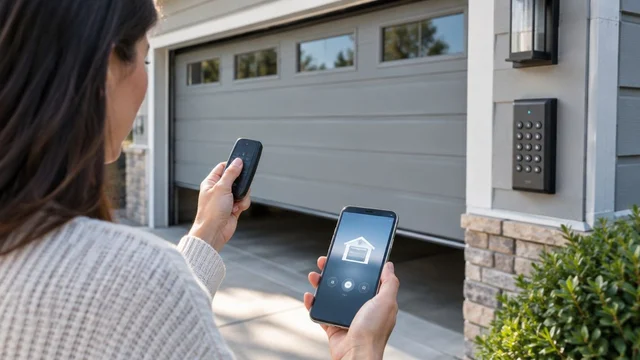
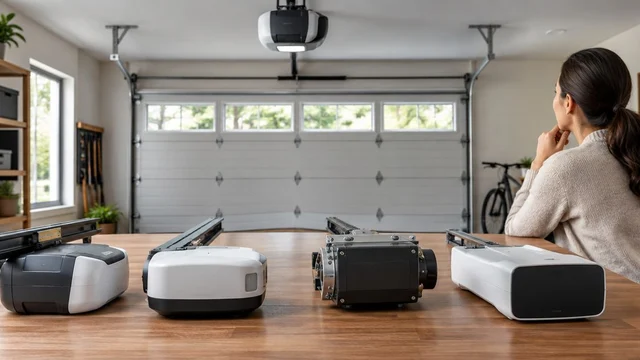
Best overall: a rolling-code smart opener with individual access controls and door-status alerts. Best without an app: a rolling-code opener with local controls. Best for added physical locking: an opener designed to work with a compatible automatic garage-door lock. The most secure garage door opener is the configuration that addresses your actual access risk, not simply the one with the longest feature list.
TL;DR
- The most secure garage door opener combines rolling-code access with controls you can manage correctly.
- Smart garage door openers suit households that need door-status alerts and individually managed access.
- Nonconnected rolling-code openers suit homeowners who do not want an app or online account.
- Derby Strong provides garage door opener service for Kentucky homeowners.
- Automatic locks require documented compatibility; never operate an opener against an engaged manual lock.
Why opener security matters
Garage-door security has 3 layers: radio access, account access and physical access. A feature that improves one layer does not automatically protect the others. Rolling codes address radio access; account controls govern app access; the door and any compatible lock determine the physical barrier.
For a Florence homeowner sharing garage access with family or visitors, the useful question is whether each person’s access can be removed independently. For someone who never needs remote access, account management adds a responsibility without solving a daily problem.
Derby Strong provides opener service as well as garage door repair and installation. Start with the access problem and the door’s condition before deciding that replacement is necessary. A damaged door, an unknown remote or a shared account each needs a different response.
What makes the most secure garage door opener?
Use these criteria before comparing opener configurations:
- Rolling-code radio access: Choose a system that changes the transmitted access code rather than repeatedly using a fixed code. Confirm that the installed remotes use the supported system.
- Revocable access: You need a documented way to remove lost remotes, old keypad credentials and app permissions without guessing which controls remain active.
- Account protection: For connected systems, check current documentation for authentication options, user permissions and account-recovery procedures.
- Useful status information: A supported closed-door status display or alert helps you check whether the door actually closed. It is not a physical lock.
- Compatible physical locking: Any automatic lock must be approved for the opener and door arrangement. An improvised lock can interfere with operation.
- Safe operation: Security changes must preserve obstruction protection, emergency release and safe access during an outage.
Do not rank belt drive, chain drive or wall-mounted installation as security features by themselves. Those descriptions explain how or where the opener operates, not who can access it.
Garage door opener security options at a glance
These are ranked configurations, not endorsements of particular models. Check the current manufacturer manual for the exact opener, accessories and app before treating a feature as included.
| Rank and configuration | Best for | Standout feature | Key limitation |
|---|---|---|---|
| 1. Rolling-code smart opener | Households needing remote oversight | Door-status information and managed access, where supported | Adds an online account and network dependence for connected functions |
| 2. Nonconnected rolling-code opener | Homeowners wanting local-only controls | Changing radio codes without app administration | No app-based door-status checking or remote permission management |
| 3. Opener with compatible automatic lock | Homeowners prioritizing a physical locking layer | Coordinated locking hardware designed for the system | Requires documented compatibility and correct installation |
For motor layout and everyday operation, use the separate garage door opener comparison. Security belongs in the decision, but it does not replace checking door compatibility, clearance and safe operation.
1. Rolling-code smart opener: best for remote oversight
A rolling-code smart opener combines changing radio access codes with connected controls. Depending on the documented system, you can check door status, receive activity notifications and manage additional users. Those functions are useful when you need to know whether the garage closed after someone left.
The strongest reason to choose this configuration is oversight, not the word smart. A connected opener is only useful for access management when its actual permissions match how your household uses the garage.
Rolling-code smart opener pros:
- Supported door-status information lets you check the garage without standing beside it.
- Individual permissions, where offered, separate household users from visitors.
- Supported activity notifications draw attention to unexpected operation.
- Rolling-code remotes provide local radio access alongside connected controls.
Rolling-code smart opener cons:
- You must maintain the account, recovery details and authorized-user list.
- App-based functions depend on the system’s network and service requirements.
- Notifications report events; they do not physically prevent entry.
Best for: Households that need remote door checks and access management.
Before choosing, confirm what the app reports. An opening notification, a current door-position display and a warning that the door stayed open are different functions. Do not assume that having one means the system includes all of them.
Check whether a visitor receives a separate permission or must use your main login. Use 1 separate login per authorized person when the system supports it, rather than sharing the owner’s credentials.
Verdict: Buy this configuration when documented alerts and individual access controls solve a real household need.
2. Nonconnected rolling-code opener: best for local-only access
A nonconnected rolling-code opener operates through supported local controls without requiring an internet account for everyday use. It suits homeowners who want remotes, a wall control and, where compatible, a keypad without app administration.
Rolling-code operation changes the radio access code between uses. It does not make every remote, keypad or receiver automatically compatible, and it does not protect a remote left where someone can take it.
Nonconnected rolling-code opener pros:
- Everyday operation does not require managing an app account.
- Local controls avoid dependence on internet access for their normal functions.
- A documented control-reset process lets you address lost or unknown remotes.
- The access arrangement is easier to understand when you do not need remote sharing.
Nonconnected rolling-code opener cons:
- You cannot assume app-based door-status checks or activity records are available.
- Shared keypad codes make individual access harder to separate.
- Removing a lost remote can require reprogramming retained controls, depending on the system.
Best for: Homeowners who use the garage locally and do not need connected oversight.
Read the exact reset instructions before changing anything. Some procedures erase multiple controls together. Have the remotes you intend to keep available, and tell other authorized users that their controls might need reprogramming.
A functioning nonconnected opener does not need replacement solely because it lacks an app. If its radio controls, door operation and access-management procedure meet your needs, keep the decision focused on those facts.
Verdict: Buy for local-only access; hold an existing suitable system rather than replacing it just to add connectivity.
3. Opener with automatic lock: best for a physical locking layer
An opener-compatible automatic lock adds physical locking hardware coordinated with the door’s operation. This is a different function from rolling codes or app notifications. It requires a door, opener and accessory combination that the manufacturer documents as compatible.
Do not assume that every wall-mounted opener includes a lock, or that an accessory fits every opener from the same manufacturer. Confirm the exact combination before ordering or modifying the door.
Opener with automatic lock pros:
- Adds a physical locking component rather than only an access notification.
- A compatible system coordinates locking with powered operation.
- Addresses a different security layer from radio codes and account permissions.
Opener with automatic lock cons:
- Compatibility limits which doors and openers can use the accessory.
- Additional hardware needs correct installation and continued inspection.
- Outage access and emergency-release procedures require specific attention.
Best for: Homeowners whose priority is an additional physical barrier and whose door supports an approved system.
Ask how the lock behaves during power loss and how authorized occupants regain access. The answer must come from the current documentation for that installation, not a general assumption about automatic locks.
Never run a powered opener against an engaged manual slide lock. Do not improvise a workaround by increasing opener force. A qualified service professional should resolve any conflict between locking hardware and powered operation.
Verdict: Buy only after compatibility and emergency access are confirmed; skip improvised locking arrangements.
Check the whole garage, not just the motor
An opener controls door movement. The door panels, tracks, locking arrangement and other entrances remain separate parts of the security decision. A connected account cannot correct damaged hardware.
From a safe position, look at the closed door for visible damage, unusual gaps or an uneven position. Observe only. Do not pull cables, touch springs, loosen brackets or try to straighten tracks.
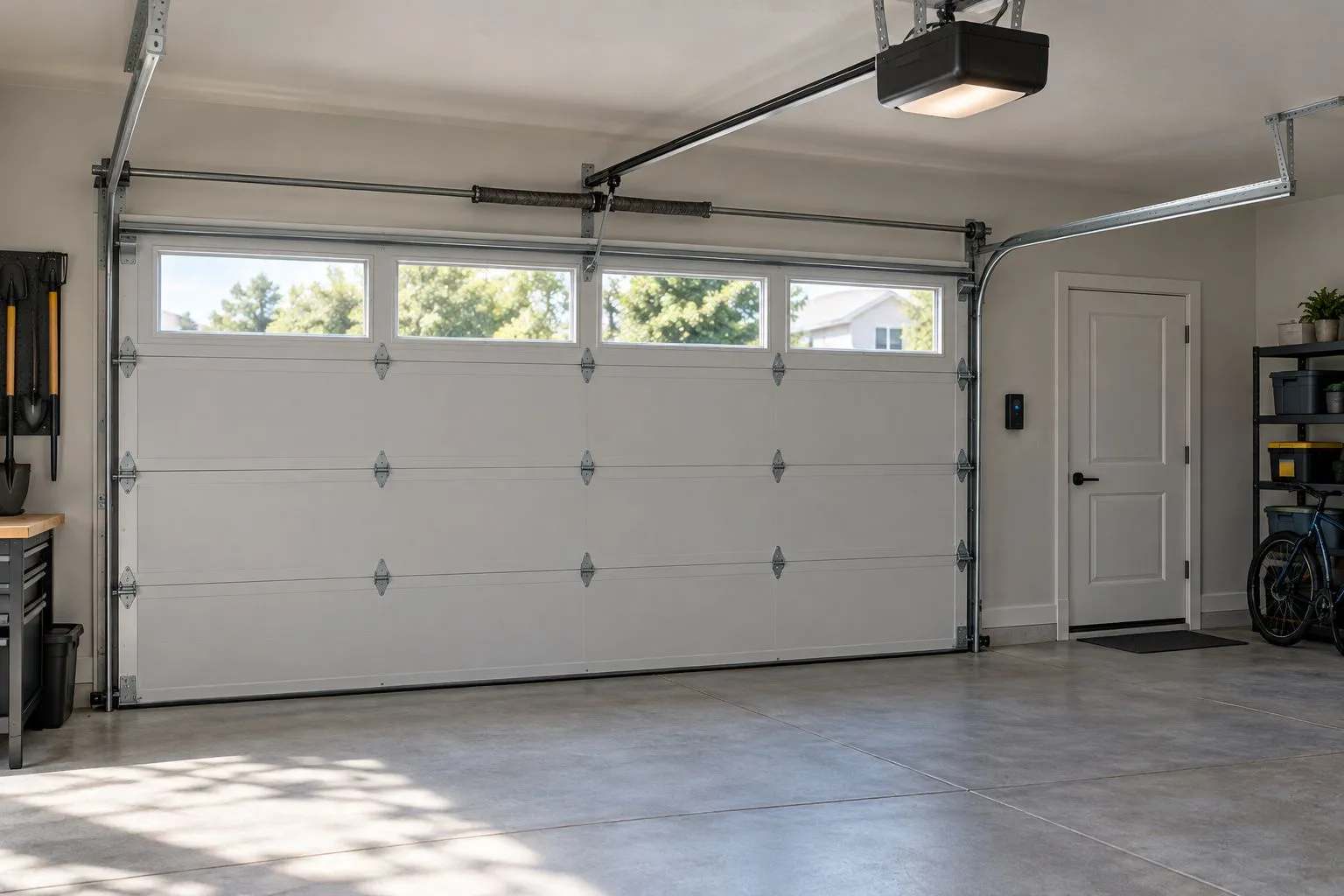
Illustrative photo, not a Derby Strong project: opener controls and physical entrances need separate attention.
If your garage connects to the house, review 2 access routes: the vehicle door and the connecting door. Do not assume that improving the opener also improves the connecting door’s lock or how household members use it.
Keep remotes out of unattended vehicles parked outside. Protect keypad credentials and remove access that no longer has a legitimate purpose. These actions address who can operate the system without changing the opener itself.
Prepare for an opener security service visit
Give the technician a clear description of the concern. Saying that an old remote still works, an account is shared or the door will not close identifies a problem more precisely than asking for a more secure motor.
Gather this information without opening electrical covers or touching moving hardware:
- Model information: Photograph an accessible model label without climbing unsafely.
- Authorized controls: Identify the remotes, keypads and app users you intend to retain.
- Access concern: Describe a lost control, former user’s access or unexpected operation.
- Door condition: Report visible damage, crooked travel or failure to close.
- Outage access: Explain whether the garage has another usable entrance.
Keep passwords private. You can describe account permissions without sending your main login to a technician or including it in a service request.
Derby Strong provides garage door opener service for homeowners in Kentucky. Ask for the door’s operation and current controls to be checked before choosing replacement hardware.
Plan your opener service
Discuss access controls, door operation and whether repair or replacement addresses the problem.
How these security options are ranked
The ranking prioritizes access control, useful oversight, physical compatibility and safe operation. The smart configuration ranks first for households needing remote checks; the nonconnected configuration wins for local-only use; the compatible-lock configuration addresses an additional physical barrier.
This is a decision guide, not a laboratory attack-resistance score. No configuration receives a claim that it is impossible to bypass. Current manufacturer documentation remains the source for model-specific features and installation requirements.
Which secure garage door opener should you choose?
Choose the rolling-code smart configuration if remote oversight and individual permissions are useful to you. Confirm those features before buying, and maintain the account after installation.
Choose the nonconnected rolling-code configuration if you want local controls without an app. Choose a compatible automatic-lock configuration when physical locking is the priority and the installation supports it.
Keep a suitable existing opener when access can be corrected through documented reprogramming or service. Replace it when the required controls or compatible functions are unavailable, or when professional assessment identifies a replacement need. Security should guide the work, not become an excuse to discard repairable equipment.
Frequently Asked Questions
What is the most secure garage door opener for a home?
The most secure garage door opener is one with documented rolling-code access and controls that match your household’s needs. Add supported account protection, door-status alerts or compatible physical locking when those features address a specific risk.
Is a smart garage door opener more secure than a regular opener?
A smart opener adds oversight and access-management functions when the system supports them; connectivity alone does not make it more secure. Compare the actual permissions, authentication options and notifications, then consider whether you will maintain the account.
What does rolling code mean on a garage door opener?
Rolling code means the radio access code changes between uses instead of remaining fixed. Confirm that the opener and installed controls use a compatible rolling-code system; the feature does not protect a stolen remote.
Does a wall-mounted opener automatically lock the garage door?
Wall-mounted installation does not by itself prove that an opener includes an automatic lock. Check the current documentation for the exact model and any required compatible accessory.
What should I do if I lose a garage door remote?
Remove the lost remote’s access using the manufacturer’s documented procedure. Depending on the system, you might need to erase and reprogram retained controls; keep vehicles and people clear during any subsequent operation.
Can I add a manual lock while using a powered garage door opener?
Do not operate a powered opener against an engaged manual lock. Ask a professional about an approved locking arrangement that preserves safe operation and emergency access.
Do I need a new opener if someone still has an old keypad code?
An old keypad code does not automatically require a new opener. Follow the documented procedure to change or remove access, and review remotes and app permissions separately.
Can Derby Strong help with garage door opener security concerns?
Derby Strong provides garage door opener service for Kentucky homeowners. Describe the access concern and any operating fault so the service discussion addresses the controls and door condition rather than assuming replacement is necessary.
One Last Thing Before You Decide
Changing a keypad code is not the same as removing a remote or an app user. Treat each access method separately. Before you consider the job finished, confirm that retained controls work and unwanted access has been removed through the documented procedures.