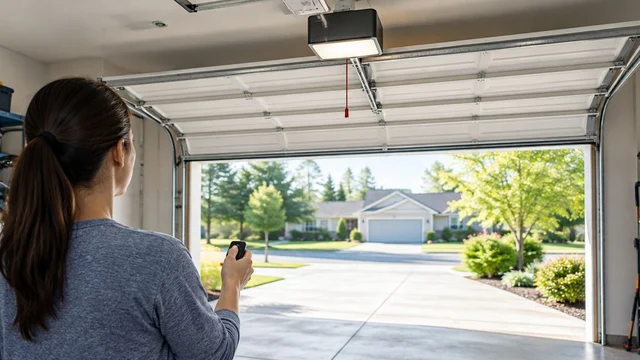
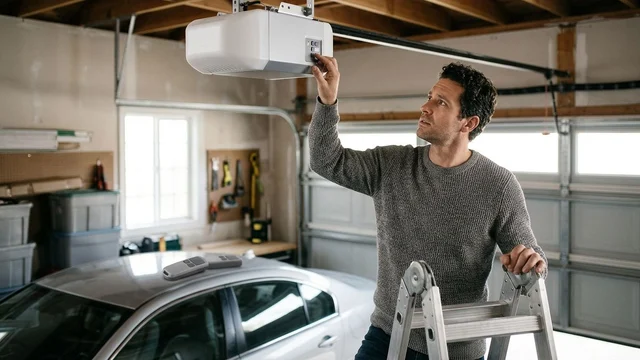
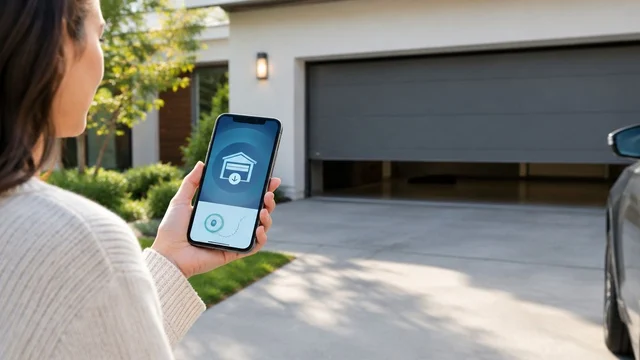
To replace a garage door opener battery safely, identify whether you mean the handheld remote, wireless keypad or opener’s backup battery, then follow that device’s manual for the exact replacement and installation procedure. Keep the door closed if it can close normally, prevent anyone from operating it during the work, and stop if you find damaged wiring, leaking batteries or a damaged compartment. For Louisville homeowners, the key distinction is simple: replacing a remote battery is not the same job as servicing a powered opener.
TL;DR
- Garage door opener battery replacement starts by identifying the remote, wireless keypad or motor-unit backup battery.
- Match the battery designation and polarity to the device manual, not appearance alone.
- A backup battery can keep an opener energized after its household power is disconnected.
- Derby Strong Garage Doors provides opener service when battery troubleshooting requires professional help.
Why This Matters for Your Door
A working wall control and a dead remote point to a different problem than an opener that fails during an outage. Buying a battery before identifying the affected device can leave the actual fault untouched.
If the wall control operates the door normally but your handheld transmitter does not, start with the garage door remote troubleshooting guide for Louisville. Keep this guide focused on battery identification, safe replacement and the checks that establish whether replacement solved the problem.
How do you replace a garage door opener battery safely?
Use this sequence before opening a battery compartment. It applies whether you are holding a remote or looking at a backup-battery cover on the opener.
- Identify the device. Read the model information on the remote, keypad or opener. The opener’s model number alone does not establish which battery a separate remote uses.
- Find the matching instructions. Use the manufacturer’s manual for that exact device. Confirm the battery designation, compartment-opening method and any power-disconnection requirements.
- Make the area safe. Keep people, pets and vehicles clear of the door opening. Tell everyone who uses the garage that you are working on its controls.
- Inspect before replacing. Look for a cracked case, loose battery holder, leakage, corrosion or damaged wires. Stop rather than forcing a battery into a damaged compartment.
- Install and test as directed. Match the marked polarity, secure the cover, restore power where applicable and perform the manual’s specified checks with the door in full view.
Do not open the main electrical housing, loosen door hardware or adjust opener force to complete a battery replacement. If access requires work beyond a designated user-serviceable compartment, arrange professional service.
Which battery are you actually replacing?
These devices serve different purposes. A fresh battery in one does not supply power to the others.
| Device | Best starting point when | What replacement addresses | Limitation |
|---|---|---|---|
| Handheld remote | The wall control works, but one remote does not | Power for that transmitter | Does not repair a damaged transmitter or opener receiver |
| Wireless keypad | The exterior keypad is unresponsive or intermittent | Power for that keypad, if battery-operated | Does not correct damaged buttons, pairing problems or water damage |
| Opener backup battery | The opener reports a battery fault or fails its prescribed backup test | Stored power for a compatible opener during a household power interruption | Does not repair the charging circuit or door mechanism |
A wall-mounted control is not automatically battery-operated. Check its instructions before removing it from the wall or disturbing its wiring.
Handheld remote: replace the battery without damaging the case
A remote battery is a reasonable homeowner task when the case is intact and the manual describes user replacement. Work at a clear table, away from children and pets, rather than balancing loose parts beneath the opener.
Open the case using the specified screw, latch or release point. Do not pry at an unmarked seam or use excessive force; a broken retaining tab can leave the battery loose and the cover unsecured.
Before lifting the battery out, note its designation and orientation. A photograph can help you remember the position, but the manual and compartment markings remain the reference if the previous battery was installed incorrectly.
Insert the specified replacement without bending the contacts. Keep metal objects from bridging the battery terminals, and close the compartment fully before testing. Never substitute a rechargeable battery unless the device instructions allow it.
Test from a position where you can see the entire door opening. If the remote still fails while another control works normally, inspect the case and battery seating again rather than repeatedly cycling the door.
Button and coin batteries present a serious swallowing hazard. Keep both new and removed batteries out of reach, and seek immediate medical assistance for suspected ingestion; do not wait for symptoms.
Wireless keypad: separate battery trouble from keypad trouble
A battery-powered keypad needs its own replacement battery, even when the handheld remote works. Confirm that the keypad is wireless and battery-operated before opening its cover.
Check the manufacturer’s instructions for the compartment location and opening method. Support the cover as you remove it, and avoid pulling on battery leads or connectors. Install the specified battery with the marked polarity and secure the compartment before use.
Battery replacement is the right first step only when the keypad’s condition supports it. Moisture inside the housing, badly corroded contacts, a broken cover or damaged buttons calls for further assessment rather than another battery.
Test the keypad with the door visible and the opening clear. If the keypad lights up but does not operate the door, consult its troubleshooting instructions before changing programming. Illumination confirms some electrical activity, not successful communication with the opener.
Do not erase codes or reset the opener simply because the first test fails. A reset changes a different part of the system and can complicate an otherwise straightforward diagnosis.
Opener backup battery: follow the model-specific procedure
Unplugging an opener does not necessarily remove all power when a backup battery remains connected. Treat the unit as energized until you have followed the manufacturer’s complete isolation procedure.
Start by locating the model label and confirming that the manual identifies a user-replaceable backup battery. Do not assume a cover near the motor is a battery compartment, and do not remove the main housing to search for one.
If the procedure is user-serviceable, close the door normally before beginning, provided the door operates safely. Prevent remote or keypad use, then follow the specified sequence for household power, battery connections and compartment access. Use stable access equipment; if you cannot reach the compartment safely, stop.
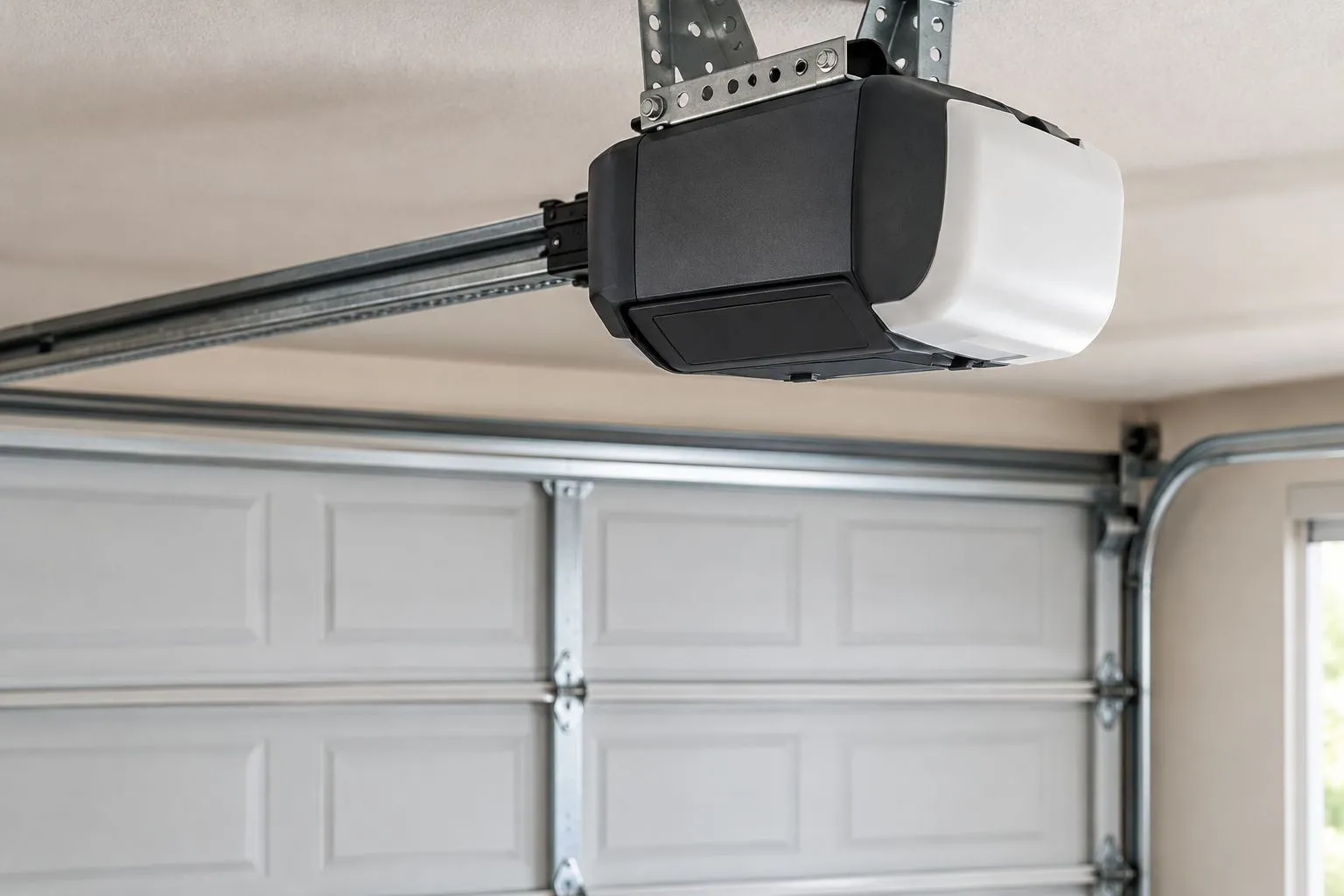
Illustrative photo: identify the designated battery compartment before opening any cover.
Replace the battery only with the type specified for that opener. Follow the connector-handling instructions, keep tools away from exposed terminals and do not modify connectors to make a different battery fit.
Stop if the battery is swollen, leaking, unusually hot or accompanied by damaged wiring. Do not puncture it, force the cover shut or handle leaking material. Keep others away and obtain professional guidance on removal and disposal.
After installation, restore power in the prescribed order and check the status indicator against the manual. Complete any required charging period before judging backup performance. Follow the manufacturer’s backup test rather than repeatedly disconnecting household power to experiment.
Why garage door opener battery replacement varies
The correct procedure depends on the device, not simply the name printed on the garage door opener.
- Device model: Different remotes, keypads and opener units have different compartment designs and battery requirements.
- Power source: A wireless control’s battery powers a transmitter; a backup battery supplies the compatible opener during an outage.
- Battery specification: Size alone does not establish electrical compatibility. Match the designation and requirements in the manual.
- Condition: Corrosion, damaged holders and loose connectors can prevent a fresh battery from solving the fault.
- Access: A tabletop remote and a ceiling-mounted compartment present different handling and fall risks.
- Post-installation checks: Programming instructions, status indicators, charging requirements and backup tests depend on the equipment.
Keep the instructions with your model information. The next replacement should start with a confirmed specification, not a guess based on what fitted last time.
What if a fresh battery does not fix the problem?
A fresh battery does not rule out a control fault, power problem or mechanical door problem. Compare what each control does before deciding what needs repair.
| Observation | What to check next | Safety boundary |
|---|---|---|
| Wall control works; one remote fails | Battery specification, polarity, contacts and the remote’s instructions | Do not change door-force settings |
| Remote works; keypad fails | Keypad battery seating, housing condition and keypad instructions | Do not disturb unrelated wiring |
| Door works on household power but not backup | Charging instructions, status indicator and prescribed battery test | Do not enter the main electrical housing |
| No control operates the door | Household power status and the opener’s troubleshooting instructions | Do not assume a battery is the cause |
| Door moves unevenly, hangs crooked or has a loose cable | Professional door inspection | Stop operating the door |
A wall control that operates the door normally helps narrow a remote problem. It does not prove that every part of the opener is healthy, and a working remote does not establish that the backup battery is charged.
If the door is stuck open or visibly damaged, leave battery troubleshooting until the door is made safe. Do not pull the emergency release on an open or damaged door, force the door down or attempt spring, cable, bracket or track repairs.
When should you arrange opener service in Louisville?
Arrange service when you cannot safely identify or access the battery compartment, the prescribed replacement does not clear the fault, or you find damaged electrical components. Persistent battery warnings also need diagnosis rather than repeated battery purchases.
Derby Strong Garage Doors serves Louisville homeowners who need professional garage door opener service. When requesting help, provide the opener model, the affected control and whether the door works on household power. Use the contact page to describe those observations without attempting further disassembly.
Do not treat a failed remote battery as a reason to replace the whole opener. Ask for a diagnosis that distinguishes the control, battery, charging system and door mechanism before approving replacement.
Frequently Asked Questions
Can I replace my garage door opener battery myself?
You can replace a user-serviceable remote or keypad battery when you follow the device manual and the compartment is undamaged. Replace an opener backup battery yourself only when the manufacturer provides a user-replacement procedure and you can safely follow it.
How do I know which garage door opener battery to buy?
Match the battery specification in the manual for the exact remote, keypad or opener model. Do not choose by appearance alone, and do not assume separate controls use the same battery.
Do I need to unplug the opener to change the remote battery?
Follow the remote’s instructions; changing a handheld remote battery does not ordinarily require opening or servicing the opener. Keep the door opening clear and prevent anyone from operating the door while you work.
Will replacing the battery erase my garage door remote programming?
Check the exact remote manual before assuming battery replacement requires programming. Test the remote after replacement, and follow its troubleshooting sequence before erasing codes or resetting the opener.
Why is my garage door opener still beeping after a new battery?
A continuing beep needs to be checked against the opener’s model-specific indicator instructions. Confirm the specified battery, connections and charging requirements; do not assume every beep means the battery is defective.
Can I use any rechargeable battery in my garage door opener?
Use only the battery type specified for the exact device. A similar shape or matching connector does not establish compatibility, and a remote battery is not interchangeable with an opener backup battery.
Who can help if battery replacement does not restore my Louisville opener?
Derby Strong Garage Doors provides garage door opener service in Louisville. Describe which controls work, whether household power is present and what the opener’s indicators show so the service request identifies the actual symptom.
One Last Thing Before You Decide
Save a photograph of the model label, not just the removed battery. The model identifies the correct instructions; an old battery only shows what someone previously installed.
Keep removed batteries separate from loose metal objects and follow the battery label and local collection requirements for disposal. A successful replacement ends with a secured compartment, a controlled test and the old battery safely out of reach.
Related Garage Door Guides
- How to reset a garage door opener after a power outage
- Garage door maintenance checklist
- Should you repair or replace your garage door in Louisville?
Local service: Garage door repair in Louisville · Garage door repair in Lexington · Garage door repair in Northern Kentucky