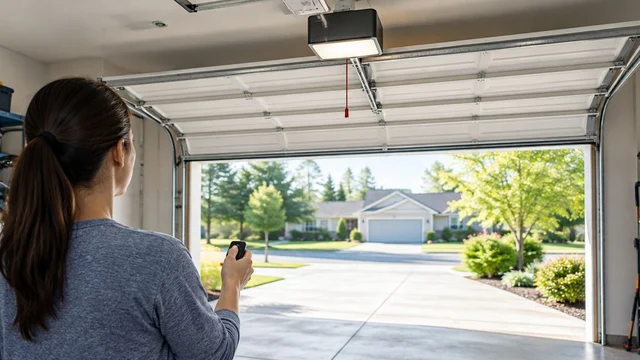
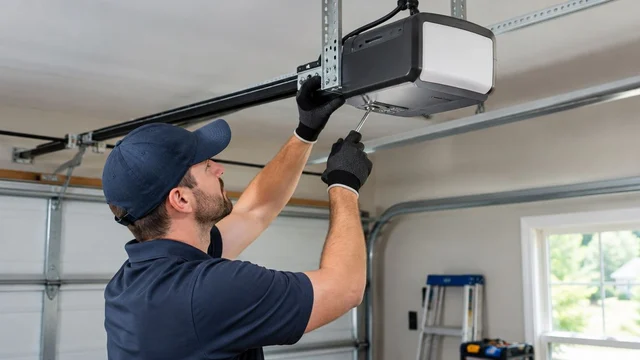
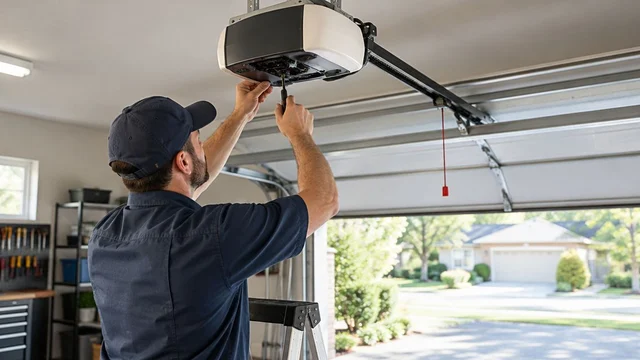
To reprogram a garage door keypad after moving into a St. Matthews home, identify the keypad and opener, then follow their matching manufacturer instructions to replace the entry code. Changing the keypad PIN does not necessarily remove previously paired remotes or another owner’s app access, so treat those as separate move-in tasks.
TL;DR
- Reprogram garage door keypad access using instructions matched to both the keypad and opener.
- Changing a keypad PIN does not necessarily erase old remotes, vehicle controls, or app permissions.
- Derby Strong provides garage door opener service for Louisville homeowners who need professional help.
- Stop programming attempts if the door is crooked, damaged, or moving unpredictably.
Why this matters after a St. Matthews move-in
A working keypad proves that a code operates the door. It does not establish who else can operate it. Your move-in task is to establish control of the garage door, not simply replace the code written on the previous owner’s handover sheet.
Keep the scope clear: keypad access, paired wireless controls, and connected accounts can require different changes. The comparison of garage door opener security features explains the broader decisions; this guide focuses on resetting inherited keypad access without accidentally erasing controls you still need.
How do you reprogram a garage door keypad after a St. Matthews move-in?
Use the exact keypad and opener instructions, not a universal button sequence. The keypad mounted outside and the motor unit inside can have different manufacturers, and a replacement keypad can use a different procedure from the original equipment.
Follow this sequence before entering programming mode:
- Confirm normal operation. From a safe position, use an existing working control while keeping the entire doorway visible. Stop if the door binds, hangs unevenly, or moves unpredictably.
- Identify both devices. Record the opener model and the keypad model from accessible labels. Do not remove electrical covers or reach around moving components.
- Find matching instructions. Use the manufacturer’s current documentation for those exact models. Distinguish changing a known PIN from resetting an unknown PIN or enrolling a replacement keypad.
- Keep another entrance available. Carry your house key and avoid relying on the garage as your only way back inside during programming.
- Complete the documented procedure. Follow the specified buttons, timing, and confirmation signals. Do not substitute a long button press for a brief press.
- Verify the result. Test the new PIN, confirm the old PIN no longer works, and check the controls you intend to keep.
If you cannot identify the keypad or reconcile the instructions with its buttons, stop. Guessing at a reset sequence can turn a working garage door into a larger reprogramming job.
Which reset do you actually need?
“Reset” can mean changing a code, clearing wireless memory, or transferring a connected account. These actions solve different problems. Choose the task based on what you need to remove, not on which button looks easiest to reach.
| Action | Best for | Benefit | Limitation |
|---|---|---|---|
| Change PIN | Replacing an inherited keypad code | Establishes a new everyday entry code | Does not necessarily remove other wireless controls |
| Clear wireless memory | Removing unknown paired transmitters | Removes credentials covered by the documented erase procedure | Retained devices can require pairing again |
| Transfer account | Removing a previous owner’s connected access | Establishes control through the supported account process | Does not replace keypad and remote checks |
| Replace keypad | Addressing a failed or incompatible keypad | Addresses the keypad hardware problem | Requires verified compatibility and programming |
A keypad replacement is not the default move-in solution. If the existing keypad works and supports the required reset, changing its credentials can be enough for that device. Unknown remotes and app users still need their own review.
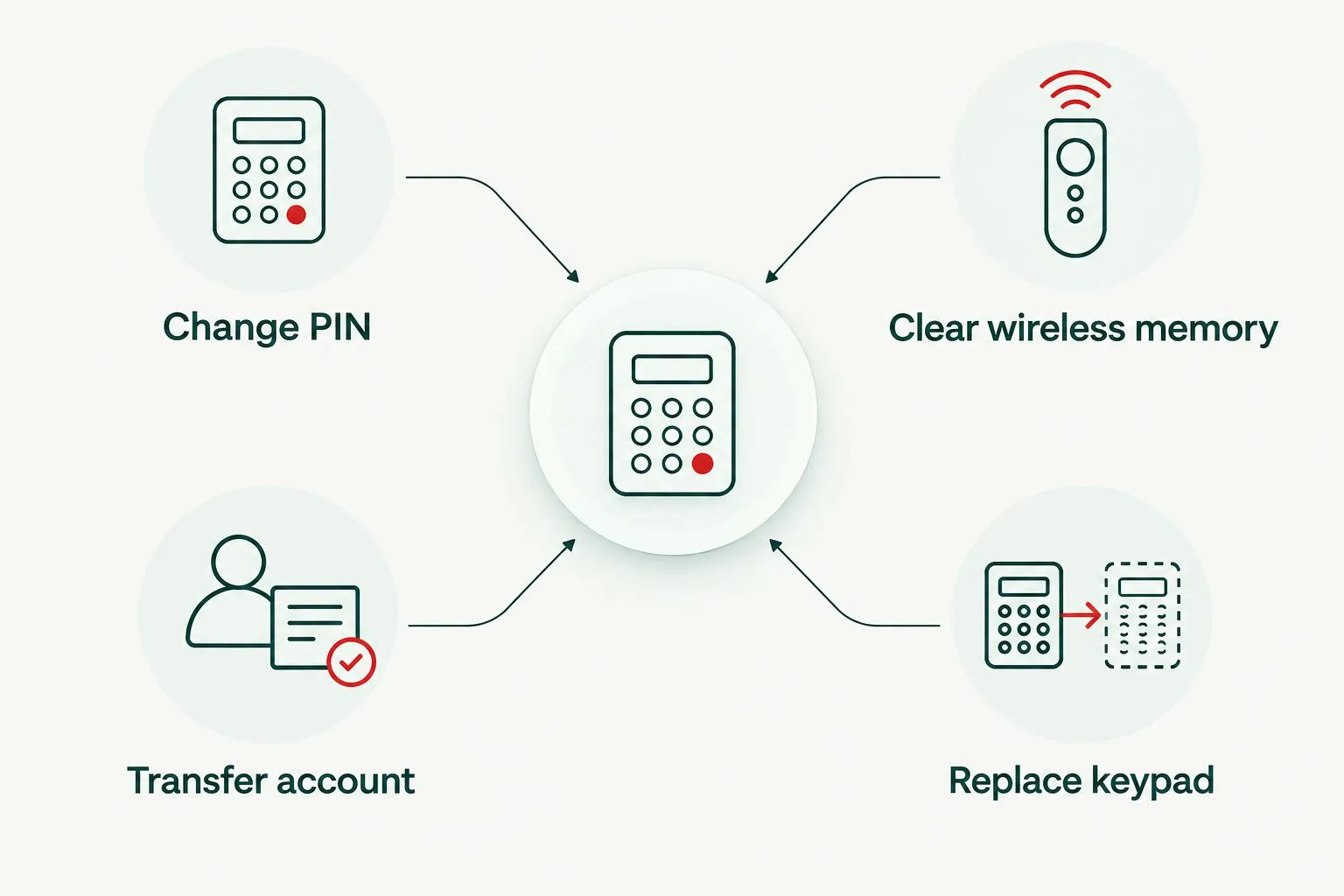
Changing the keypad code and removing other garage door access are separate tasks.
Why garage door keypad programming varies
The correct instructions depend on the installed equipment, not the property’s address. For your St. Matthews move-in, the useful details are the device labels and the access left behind at handover.
- Keypad model: Button layouts and code-change procedures differ. An instruction mentioning a button your keypad lacks is a reason to check the model again.
- Opener receiver: The keypad must communicate with the installed receiver. A similar-looking keypad is not proof of compatibility.
- Known versus unknown PIN: Changing a working code and recovering access without that code can require different procedures.
- Scope of memory clearing: An erase operation can affect more than the keypad. Read what it removes before starting.
- Connected accessories: Vehicle controls, external receivers, and app-connected equipment can require separate attention.
- Device condition: Weak power, damaged keys, or corroded battery contacts can prevent programming from succeeding.
Do not use a button’s color alone as your complete identification method. Match the model and instructions before using the opener’s programming controls.
Can you change the keypad code without the old PIN?
Some garage door keypads support establishing a new PIN through a documented reset or pairing procedure without knowing the previous PIN. Whether yours does depends on its model and the connected opener or receiver.
If the instructions require access to the opener’s programming control, that is different from changing the code entirely at the exterior keypad. Do not keep entering guessed PINs or repeat unrelated online sequences. Some equipment temporarily restricts entry after unsuccessful attempts.
For a rental or a garage shared with another household, confirm authorization before clearing credentials. A reset that removes someone else’s legitimate control creates a different access problem rather than finishing your move-in task.
Does changing the keypad PIN remove old remotes?
Changing the keypad PIN does not necessarily remove old remotes. A remote or built-in vehicle transmitter can remain paired independently of the exterior keypad code.
Inventory the controls handed over with the property and identify any that are missing. If you need to remove unknown transmitters, follow the opener’s documented wireless-memory procedure and then pair the devices you intend to retain. Do not assume a keypad confirmation light proves that other credentials were erased.
Before clearing memory, gather the retained remotes and identify any vehicle programming instructions you will need. This avoids discovering afterward that a household member’s vehicle control must be set up again.
How do you test the new code without locking yourself out?
Keep an alternative entrance available throughout testing. Stand clear of the door’s path, keep children and pets away, and watch the door during every command.
Test deliberately rather than repeatedly pressing buttons:
- New PIN: Confirm that the new code operates the intended door using the keypad’s documented entry sequence.
- Old PIN: Confirm that the former code no longer initiates operation. Follow any manufacturer instructions about clearing an active keypad session between tests.
- Retained controls: Check the remotes and vehicle controls you intentionally kept after any memory-clearing procedure.
- Unintended operation: Stop if a command operates the wrong door or the door moves without the expected input.
Some keypads keep a temporary active session after a valid entry, allowing another button press to operate the door. Follow the documented session timeout before testing the old code; otherwise, you can misread an active session as acceptance of the previous PIN.
What about the previous owner’s garage door app?
A new keypad PIN is not an account transfer. If the opener has connected features, review ownership, invited users, and linked services through the manufacturer’s supported process. Do not continue using credentials supplied by the previous owner as your permanent arrangement.
The move-in question is who controls the connected garage door, not merely whether the door appears on your phone. Adding your account does not by itself prove that another account or integration has been removed.
This distinction also matters when comparing smart garage door openers: app ownership and keypad programming are separate setup questions. Connected features do not eliminate the need to review physical remotes and exterior entry codes.
If the equipment remains registered to someone else, use manufacturer support to establish the correct transfer procedure. Avoid a factory reset until you understand what it changes and whether account removal requires an additional step.
What if the keypad still does not work?
Separate an entry-device problem from a door-operation problem before repeating programming. A keypad that fails while the wall control works presents a different starting point from a door that will not move from any control.
| What you observe | What to check safely | What not to assume |
|---|---|---|
| No keypad illumination or response | Battery installation and accessible contacts, following the manual | That the opener needs replacement |
| Keypad responds but the door does not | Correct model instructions and compatibility | That another reset will solve every fault |
| Wall control works but keypad does not | Keypad power, programming, and condition | That the door itself needs replacement |
| Door starts closing, then reverses | Visible obstructions and the opener’s documented fault indicators | That increasing closing force is appropriate |
| Door is crooked or a cable looks loose | Stop using the door and arrange professional inspection | That programming can correct mechanical damage |
Replace a keypad battery only with the type specified for that device. If corrosion, broken buttons, or water damage is visible, stop treating the problem as a forgotten code.
Do not bypass safety sensors, increase opener force to overcome a fault, or pull a damaged door into position. Spring, cable, track, and bracket repairs belong with a garage door professional.
When should you arrange professional opener service?
Derby Strong garage door opener service is for Louisville homeowners who need repair or installation help. For a St. Matthews move-in, professional help is appropriate when you cannot identify the equipment, cannot safely reach its programming controls, or find a door fault during testing.
The benefit is addressing the actual problem rather than replacing parts by guesswork. The boundary is equally important: arranging service does not itself revoke an inherited code or account, so explain that removing previous access is part of the job.
Use the contact page to describe the keypad and opener models, which controls work, and whether you want unknown transmitters removed. Do not send your PIN, account password, or a photograph showing a written code.
Frequently Asked Questions
How do I reprogram a garage door keypad after moving in?
Identify the keypad and opener, then follow their matching manufacturer instructions to change or reset the PIN. Separately review old remotes, vehicle controls, and connected accounts.
Can I reprogram my garage door keypad without the old code?
Some models allow a new PIN through a documented reset or pairing procedure without the old code. Check the exact model instructions before pressing programming controls.
Does changing my keypad code disable the previous owner’s remote?
Changing your keypad code does not necessarily disable the previous owner’s remote. Removing unknown transmitters requires the applicable receiver or opener procedure.
Should I hold the opener’s programming button to reset the keypad?
Do not hold the programming button unless the exact model instructions require it. A long press can perform a different operation from a brief press, including clearing stored controls.
Why does the old keypad code seem to work after I change it?
An active keypad session can make a later button press operate the door without validating the old PIN. Follow the manufacturer’s session timeout before testing the former code again.
Do I need a new keypad when I buy a St. Matthews home?
A move-in alone does not require a new keypad. Keep a functioning, compatible keypad if its credentials can be reset; address unknown remotes and connected accounts separately.
Can Derby Strong help if keypad reprogramming fails?
Derby Strong provides garage door opener service in Louisville. Describe which controls work and whether the door moves normally so the service request addresses programming, equipment failure, or a mechanical fault.
One Last Thing Before You Decide
Removing old access matters more than making a new code work. Before calling the move-in task finished, verify the old PIN fails, review retained transmitters, and establish control of connected accounts. Record model numbers and programming instructions somewhere secure, separate from the PIN itself.
Related Garage Door Guides
- Garage door remote not working in Louisville
- How to program HomeLink in your car
- Garage door maintenance checklist
Local service: Garage door repair in Louisville